Models are commodities. The engineer who controls memory controls the outcome.
You are not buying a model. You are buying a system. And right now, the most expensive, embarrassing, career-ending failures in AI production have nothing to do with the model. They happen because nobody solved memory.
Here is the precise sequence of destruction. Your AI agent is running on a single instance. Traffic spikes. You spin up more instances behind a load balancer. Standard practice. The load balancer does its job — it distributes requests across instances. And the instant it routes a user’s second message to a different instance than their first, that new instance has zero memory of the prior conversation. Zero. It has never heard of this user.
The user gets a response that proves it. “I don’t have information about your restaurant visits.” The conversation happened thirty seconds ago on the same platform. Your AI just forgot a customer in real-time. In front of them.
The infrastructure gap: Load balancers treat server instances as interchangeable. AI agents are not interchangeable. They carry conversation history, user preferences, and tool execution state that cannot be lost between requests.
And memory loss is only the first failure. The second one is worse.
Your Agent Is Forgetting Customers in Real-Time
When a load balancer routes a user’s second message to a different instance than their first, that new instance has zero memory of the prior conversation. The user gets a response that proves your AI just forgot them — in real-time, in front of them.
Your Agent Is Executing the Same Action Twice
A user submits a support ticket. Instance A invokes the tool to create it. Before Instance A responds, the user refreshes the page. The load balancer routes the refresh to Instance B. Instance B sees an incomplete request. It assumes the ticket was never created. It invokes the tool again.
The user now has two duplicate tickets. If that tool was a payment charge, a booked flight, an email to a client — it happened twice. Your AI did it. With complete confidence. Twice.
Without distributed locks, two agent instances can invoke the same tool simultaneously. Duplicate charges. Duplicate emails. Duplicate database writes. The model never knew.
The real failure point: This is not a model problem. GPT-4, Claude, Gemini — all of them will do this without the right infrastructure underneath. The model is not the failure point. The state management is. The tool coordination is. The memory architecture is.
The Engineers Who Already Solved This Know Three Things
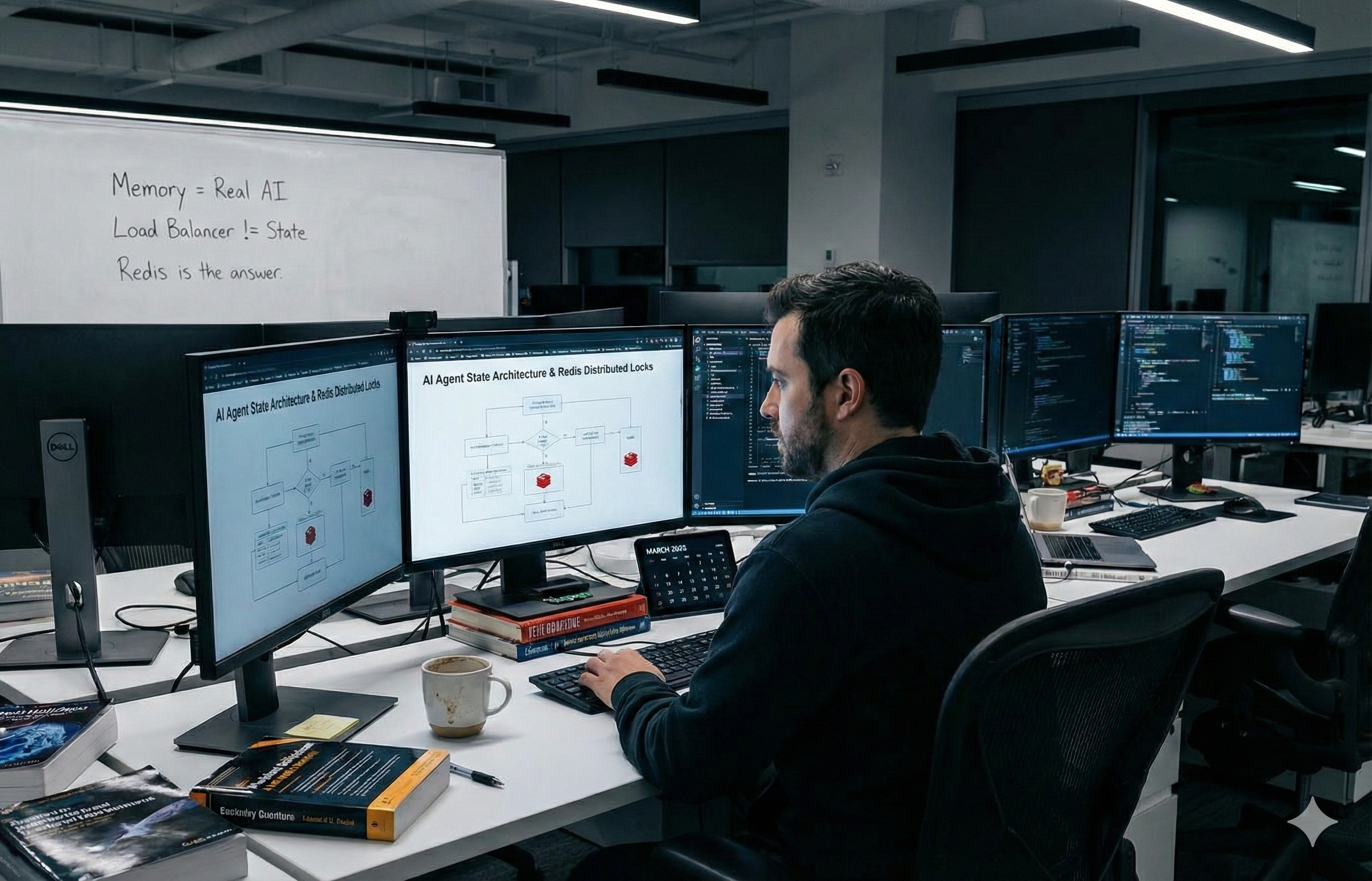
First: every byte of conversation history, user preferences, and tool execution state must live in Redis — an external shared store that every instance reads from and writes to on every single request. When Instance B receives your user’s second message, it pulls the full conversation history from Redis before generating a single token. The model sees continuity. The user sees continuity. The instances are completely interchangeable.
Second: before any agent instance invokes a tool that modifies the outside world — creates a ticket, books a flight, charges a card, sends a message — it must acquire a distributed lock in Redis. If another instance already holds that lock, the second instance waits. The duplicate execution never happens. The lock expires automatically after 30 seconds so a crashed instance cannot hold it forever.
Third: session affinity is not the solution. Configuring your load balancer to route one user to one instance is a performance optimisation. Instances crash. Instances restart. The instant one does, session affinity breaks and your user hits a fresh instance with no memory. Externalized state in Redis is the solution. Session affinity is the optimisation layered on top.
What's inside: The full 7-step implementation framework — Redis configuration, state schema design, distributed lock patterns, autoscaling rules, health check architecture, and the exact monitoring thresholds that prevent silent memory destruction — is in the report below.
The CEO who demands AI scalability, the CIO who signs off on the infrastructure, and the AI engineer who builds it — all three need this before the next production deployment. Not after.